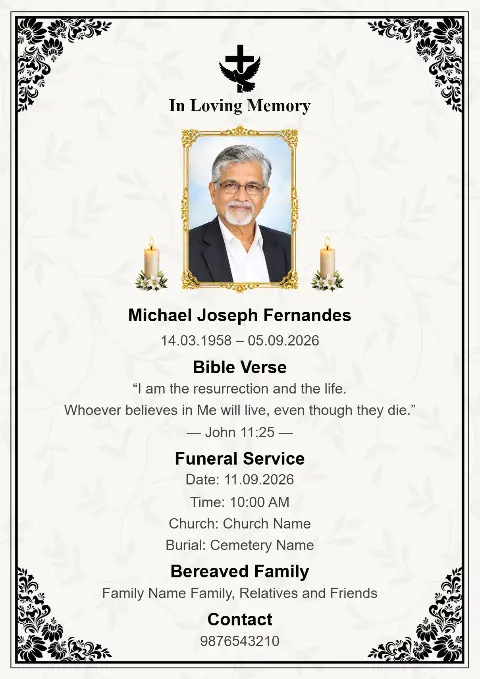
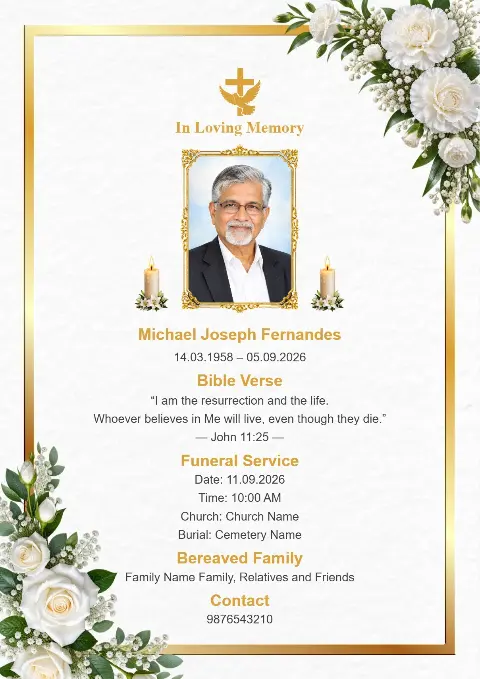
Christian death announcement cards, made with care
A Christian death announcement card is a short notice that tells family, friends and the church community about a passing. It gives the name of the person who has died, the date and place of death, and the details of the funeral service, viewing or burial, so that people can come together to offer prayers and comfort. This page explains what a Christian death announcement card should contain, how to choose a calm and respectful design, how to select a Bible verse, and how to share the card so that it reaches everyone in time.
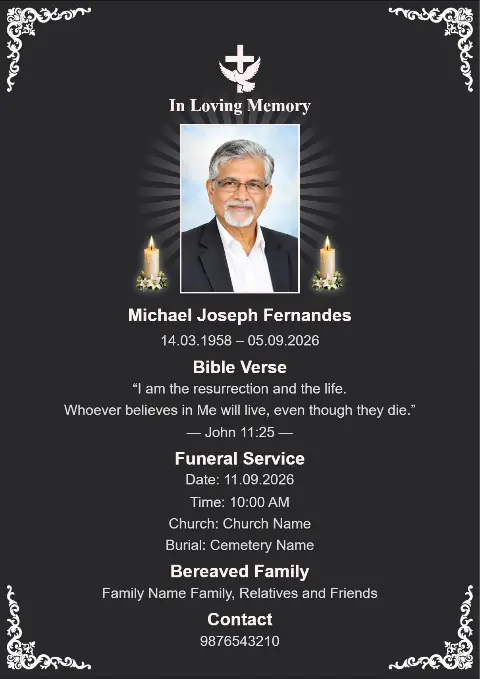
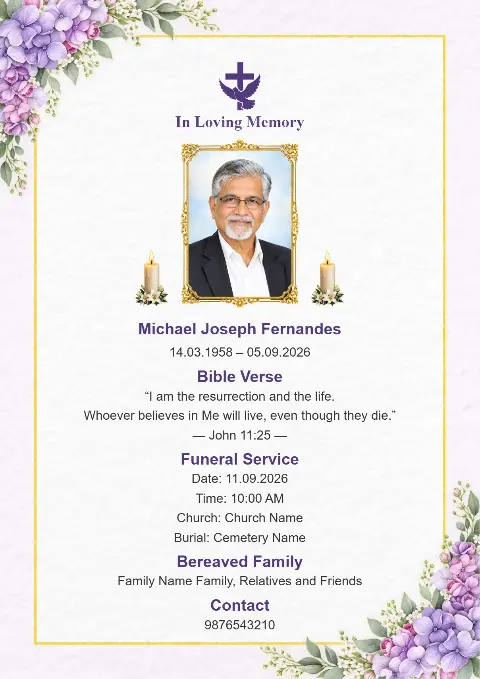
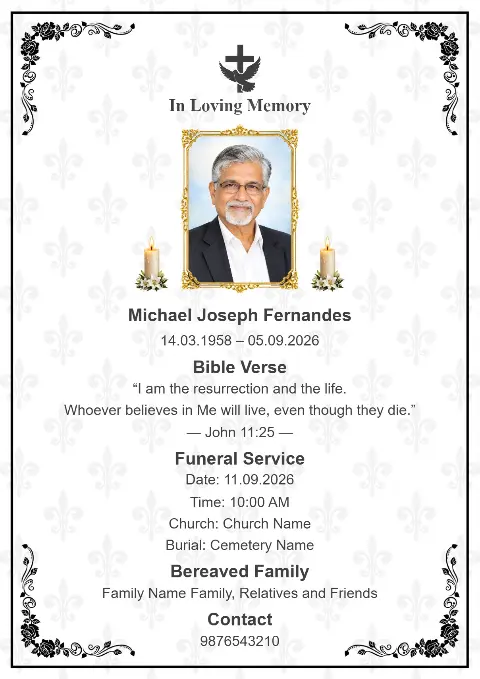
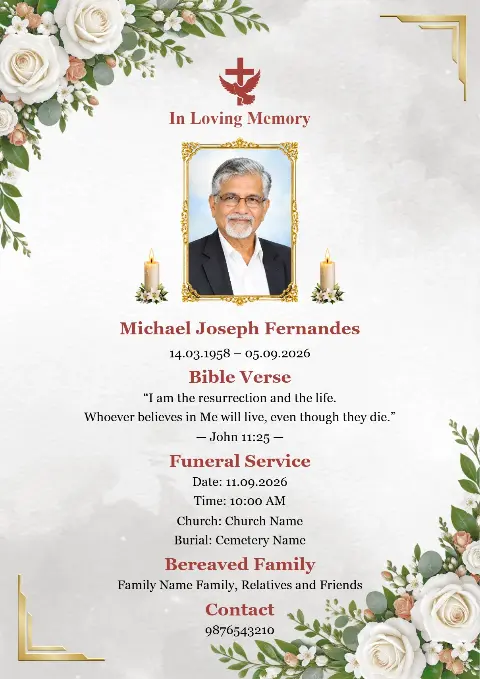
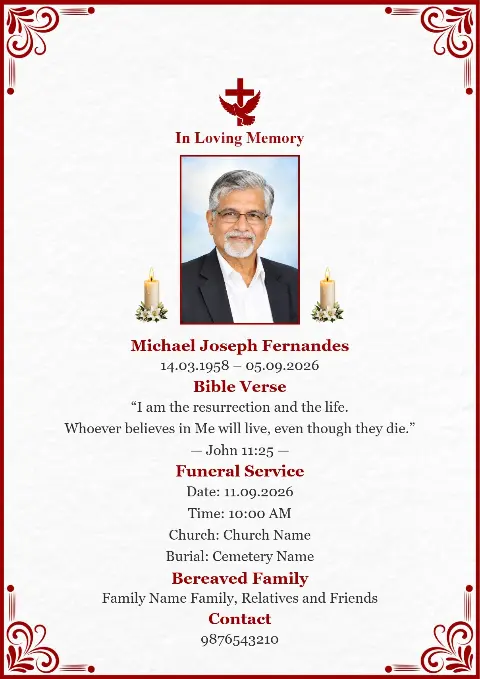
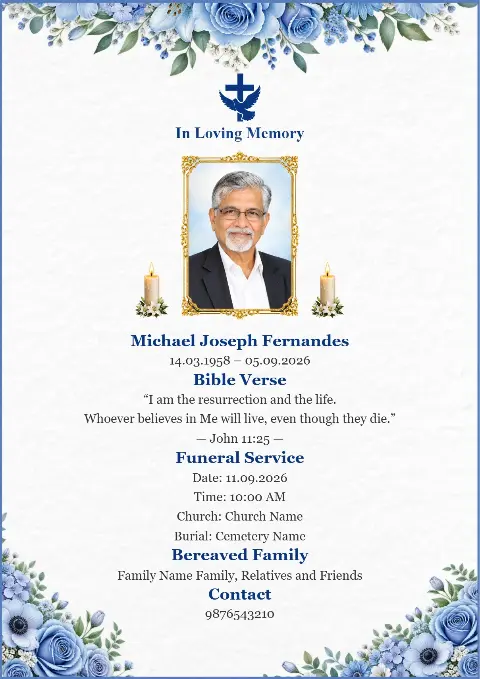
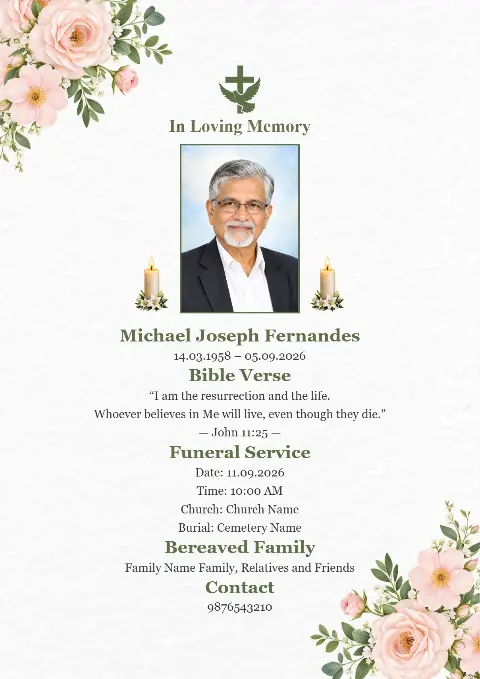
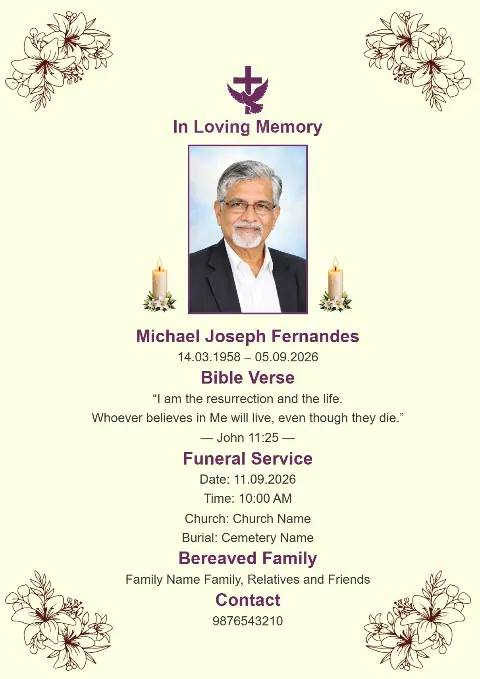
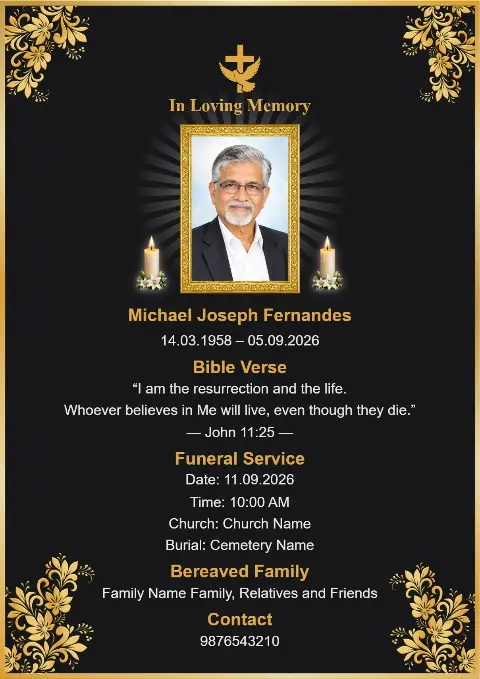
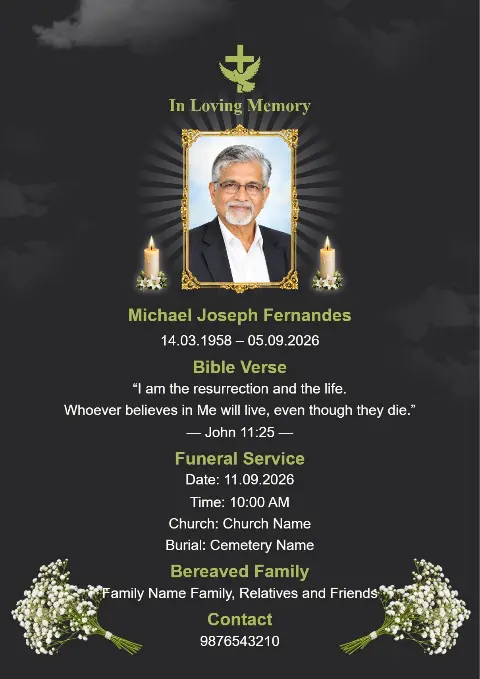
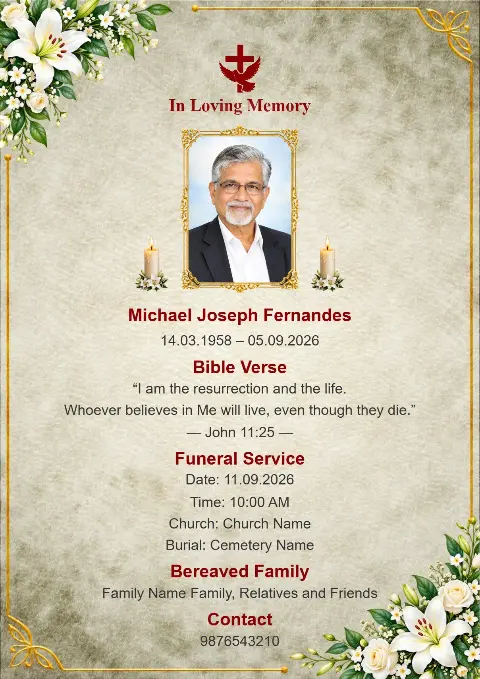
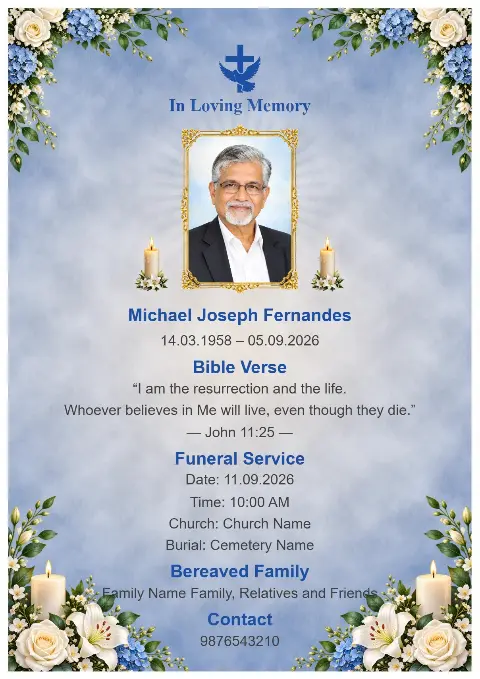
Every design on this page uses soft white, grey and purple tones with floral or ornate borders and clear space for the message. You can choose a design, fill in the details in the editor, and download an A4 file that is ready to print for the church noticeboard or share on WhatsApp with relatives.
What is a Christian death announcement card?
A death announcement card is a printed or digital notice that informs people about a death in a calm and dignified way. In Christian families it often serves two purposes. It shares the practical details, such as the date and time of the funeral service, the location of the viewing and the place of burial or cremation. It also offers a message of faith and hope, so that readers are reminded of the comfort found in prayer and scripture. The card is short, but it helps a community gather around a family at a difficult time.
Many families send the card to relatives across several towns or countries, and they also place printed copies on church noticeboards or hand them out after a service. Whichever way you share it, the card should be clear, gentle and easy to read at a glance, whether it appears on a phone screen or on a sheet of paper pinned to a board.
What to include on a Christian death announcement
A well organised card usually begins with a simple cross, a dove or a floral motif at the top, depending on the family's preference. The full name of the departed comes next, followed by the age if the family wishes to include it, and the date and place of death. The card then sets out the arrangements: the date, time and venue of the funeral service, any viewing or visitation before it, and the place of burial or memorial. If a reception or a later service is planned, mention it as well. Finally, add the names of family members or a contact person who can answer questions.
Many families include a Bible verse or a short prayer. A verse that the departed loved, or one that speaks about hope, is a meaningful choice. Popular options include John 11:25, where Jesus says, "I am the resurrection and the life", and Psalm 23, which speaks of walking through the valley with comfort. If you use a verse, check the exact wording against a Bible translation before printing, because even a small change in spelling can alter the text. A photograph is optional. If you add one, choose a clear, recent portrait and place it in the framed area of the design.
Choosing a calm white, grey or purple design
The design sets the tone before anyone reads a word. White and grey are classic choices for a death announcement, because they feel quiet, clean and respectful. Purple is often used in Christian memorial art as a colour of reflection and hope, and it works well as an accent with floral or ornate borders. Black and white designs with an ornate frame suit families who prefer a traditional and formal look. Whatever colours you choose, make sure the design leaves plenty of space for the text, so that longer messages do not feel crowded.
When you browse the designs on this page, look for a border that still looks clear when printed in black and white on a home printer or photocopier. Check that the name and date areas are easy to read, and that there is room for a photograph if you want one. A design that prints well is often more useful than one that only looks impressive on a screen, because most families end up sharing both a printed copy and a digital one.
Writing the message with sensitivity
The message on a death announcement should be short, sincere and easy to follow. Begin with the full name of the departed, then state the fact of the death in plain words, such as "passed away peacefully" or "went home to be with the Lord", depending on what the family feels is right. Next, add the service details, and then a closing line that invites friends and relatives to pray with the family. Avoid long stories or anything that reads like a eulogy. If the family would like to share memories, a separate memorial page or a service programme is a better place for them.
Check every spelling carefully, especially the names of churches, cemeteries, funeral homes and relatives. Confirm the date, time and address with the family before you finalise the card, because one wrong digit can confuse people who plan to attend. The editor lets you change each field separately, so if the service time changes, you can update the card quickly and download a fresh copy for everyone who needs it.
Printing, sharing and keeping copies
When the details are complete, download the card as an A4 file and print it at home or at a local print shop. A4 is the usual size for notices that are pinned on church boards or placed on tables at the reception. If you plan to print in colour, check the preview first, since light tones such as grey and lilac can look different on different printers. For quick sharing, the image version works well on WhatsApp, email and other messaging apps, so it can reach relatives in other cities or countries within minutes.
Keep a few printed copies for the family record and a digital copy in a safe folder. If the card is shared in a public group, leave out private details such as home addresses, bank information or personal phone numbers. Share the service arrangements with the people who need them, and let the family decide what goes into a wider circulation.
Frequently asked questions
Common questions about making a Christian death announcement card online.